How to join a PPPoker club
PPPoker is played through private clubs, so you need a Club ID and a referral to get a seat. This guide walks you through every step — from installing the app to your first hand at a verified club with up to 60% rakeback.

Download & open PPPoker
Install the official PPPoker app on iOS, Android or PC and open it. Tap Login to create a free account — you only need a username and password.
Create your account
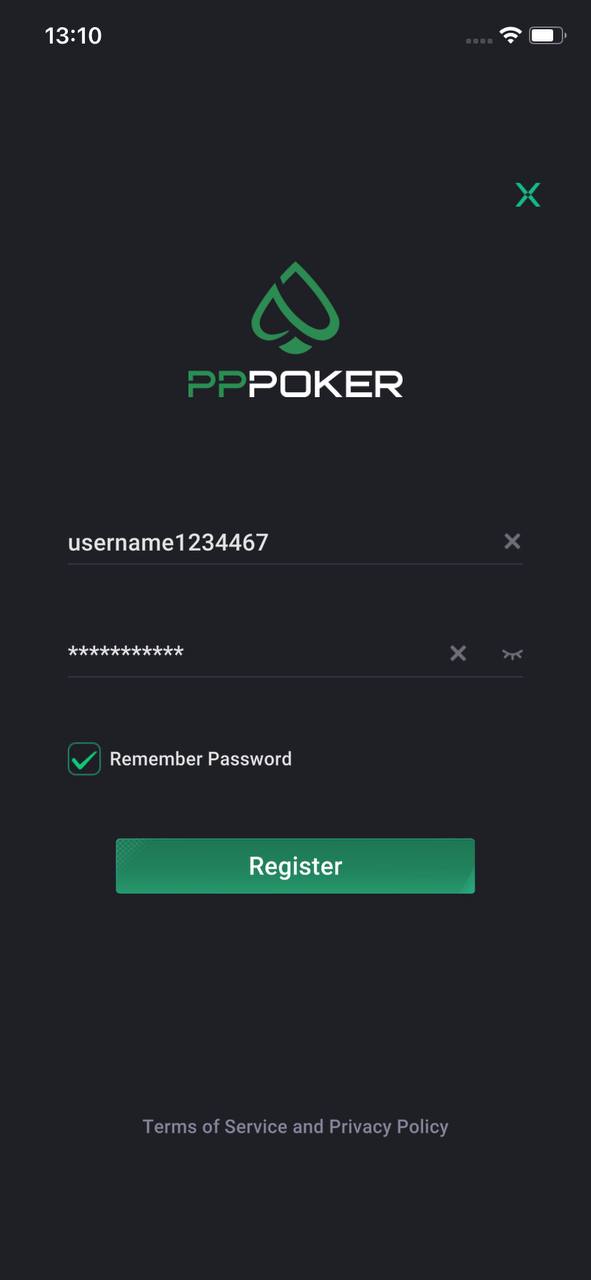
On the login screen, come up with a username and password and tap Register. Tick "Remember Password" so you stay logged in. After registering, you'll get your personal PPPoker ID.
Send your ID to the manager
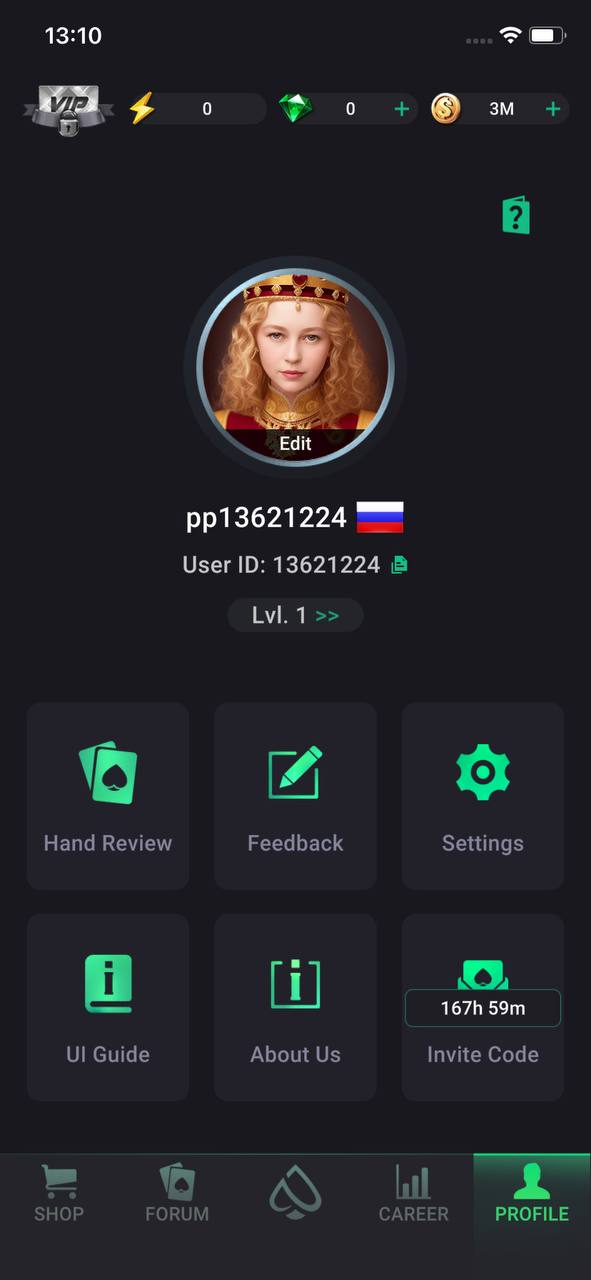
Message our manager on Telegram and send your PPPoker ID (the one from your profile). Tell us what you like to play — NLH, PLO, tournaments — and we'll add you to the right club and send the Club ID.
Enter the Club ID
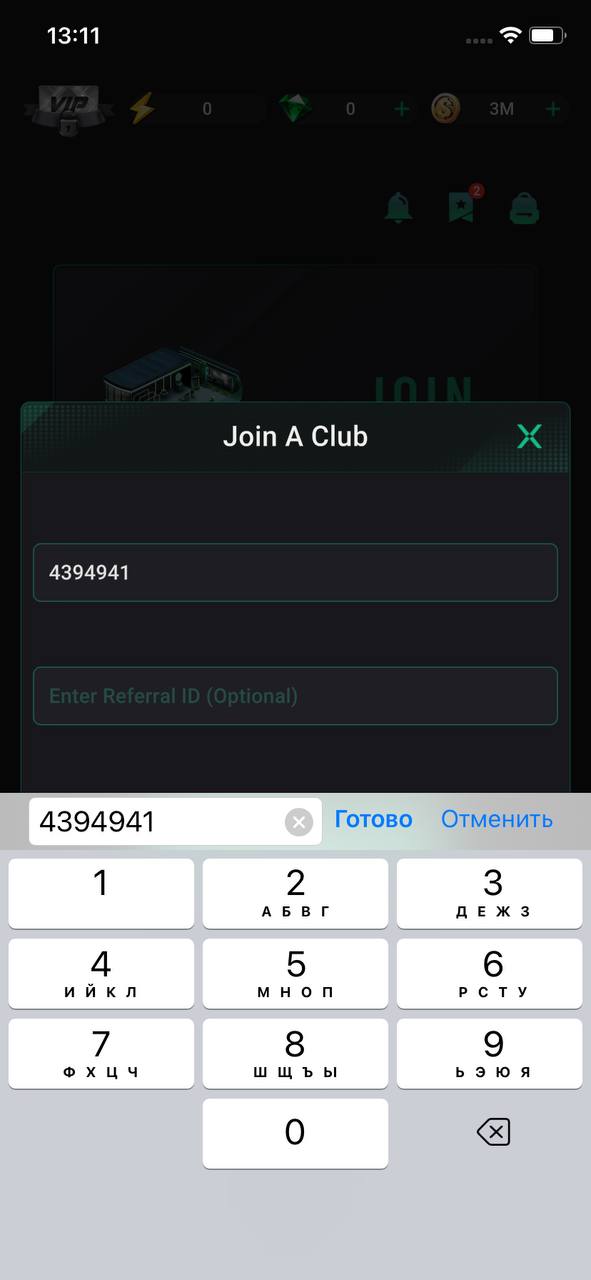
In the app, tap Join a Club and type in the Club ID the manager sent you. You can leave the Referral ID field empty — it's optional. Double-check the number, then send the request.
Confirm the club
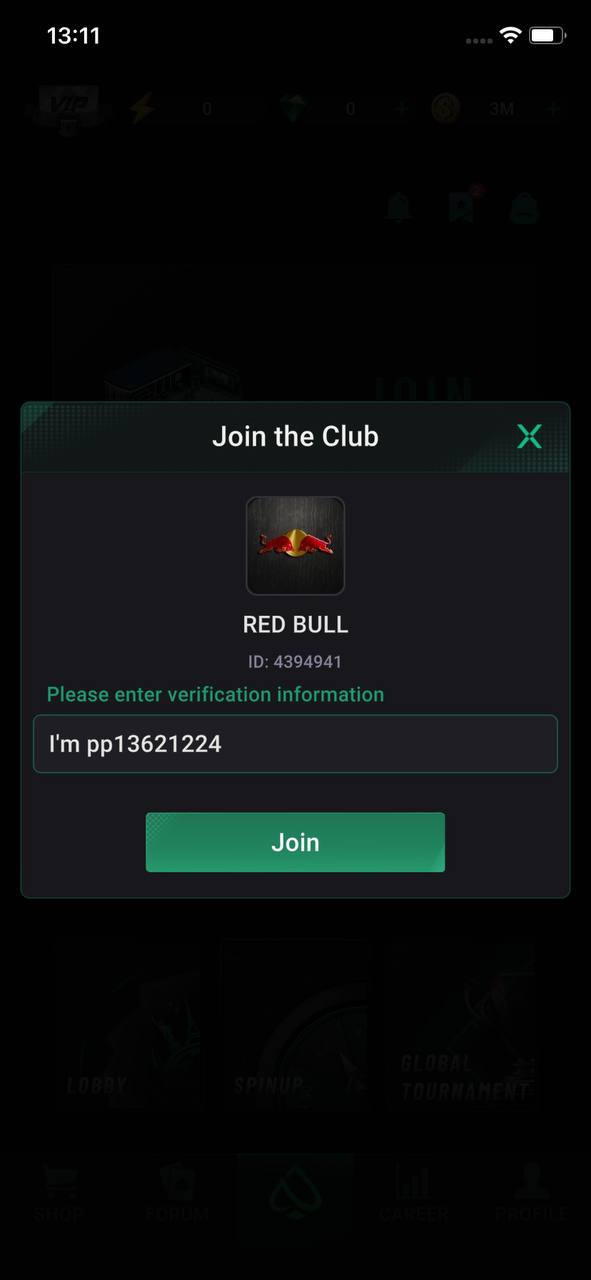
The app shows the club you're joining — check the club name and ID match what the manager sent (e.g. RED BULL, ID 4394941). In the verification field write a short note like "I'm [your ID]", then tap Join.
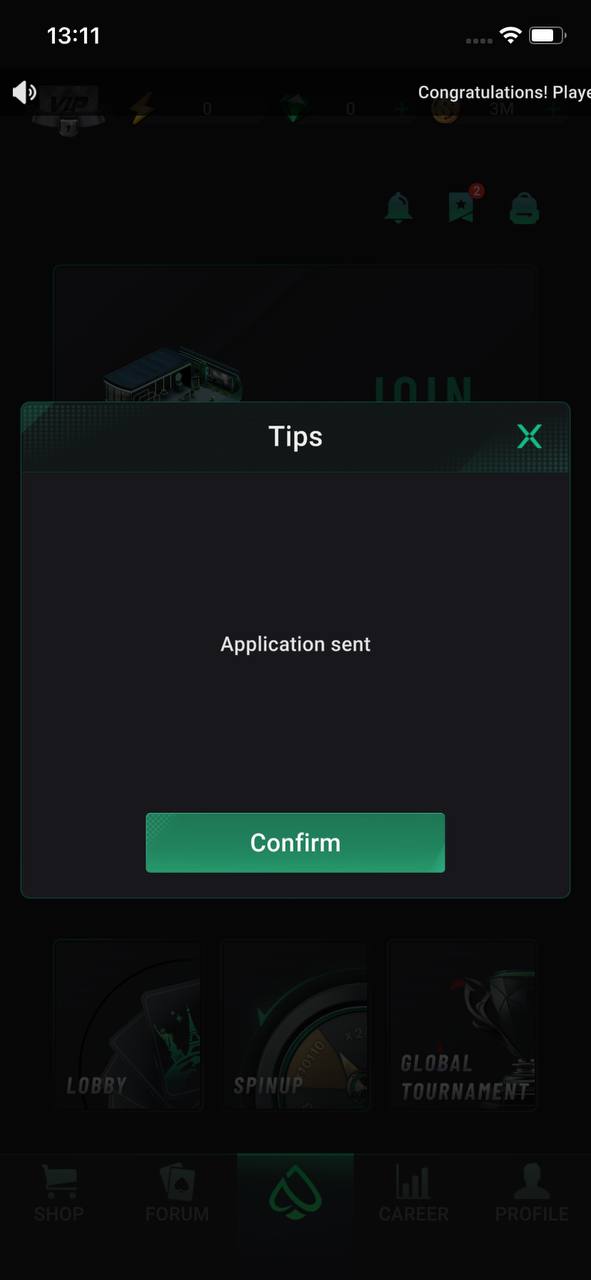
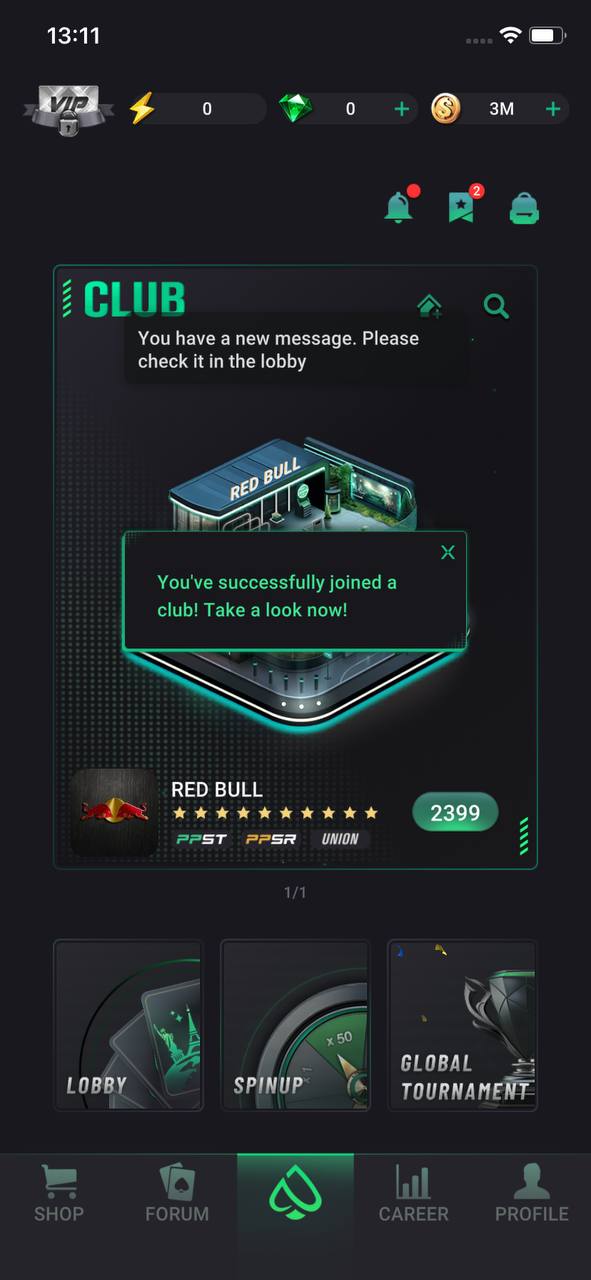
Approved — deposit & play
Once approved, you'll see "You've successfully joined a club". Top up your chips through the manager — no deposit fees — then pick a table at your stakes and sit down. Your rakeback is active from the first hand. Good luck at the tables.
Common mistakes when joining
A few things that trip up new players — easy to avoid once you know them.
Wrong Club ID
Entering the Club ID by hand and mistyping it, so the request goes nowhere. Always copy-paste the exact Club ID the manager sends you.
Downloading a fake app
Installing PPPoker from an unofficial source. Only use the official App Store and Google Play links, or get the PC version through our manager.
Depositing without an agent
Trying to add chips before joining through a trusted agent. Always go through the admin — that's what gives you the funds guarantee and rakeback.
Forgetting to ask for rakeback
Joining a club without agreeing your rakeback deal first. Confirm your rate with the admin up front so it's active from your first hand.
Joining FAQ
Do I need a referral ID to join a PPPoker club?
How long does approval take?
Is it free to join?
What if I enter the wrong Club ID?
Are my funds safe when I deposit?
Ready to get your Club ID?
Message our admin now and we'll walk you through every step — Club ID, referral and up to 60% rakeback. One admin, every language, 24/7.
Get your Club IDInformational & affiliate resource only · 18+. We are an independent affiliate resource and are not affiliated with, endorsed by or sponsored by PPPoker. All play happens inside the official PPPoker app, and any arrangements with club admins are made independently. We do not operate games, accept deposits or hold player funds. Please check your local laws and play responsibly.