Download PPPoker and start playing
Get the official PPPoker app on any device, then message us for your Club ID to join a verified club with up to 60% rakeback. The download is free — your seat is one message away.
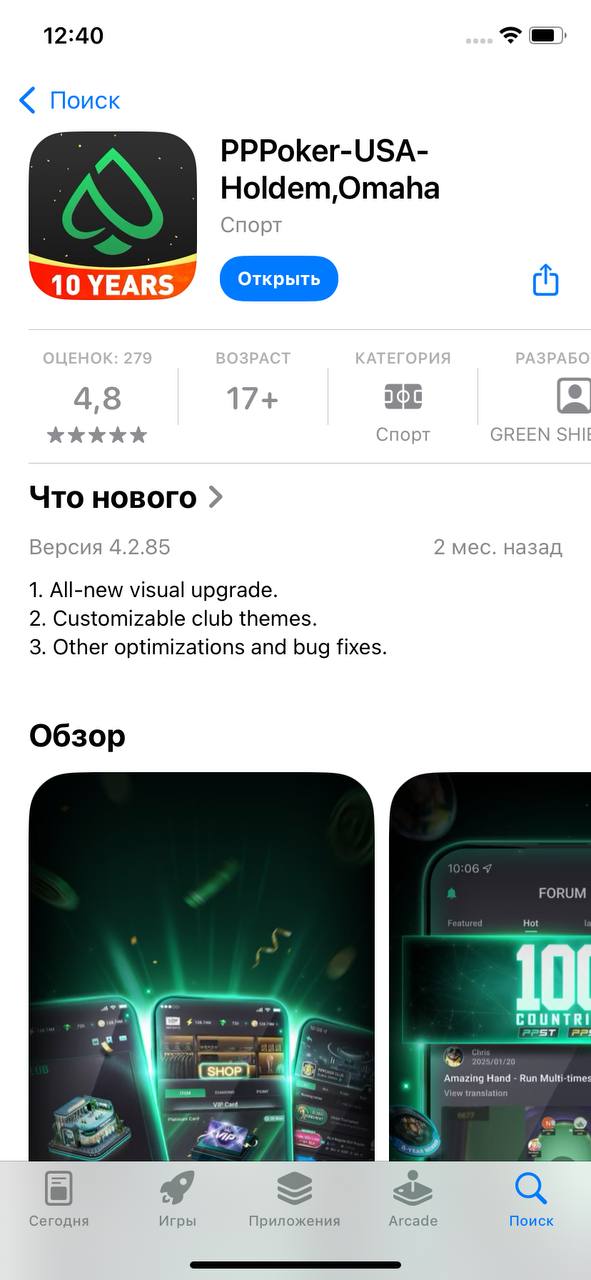
iOS
Download PPPoker free from the App Store. Works on iPhone and iPad, iOS 12 and up.
App Store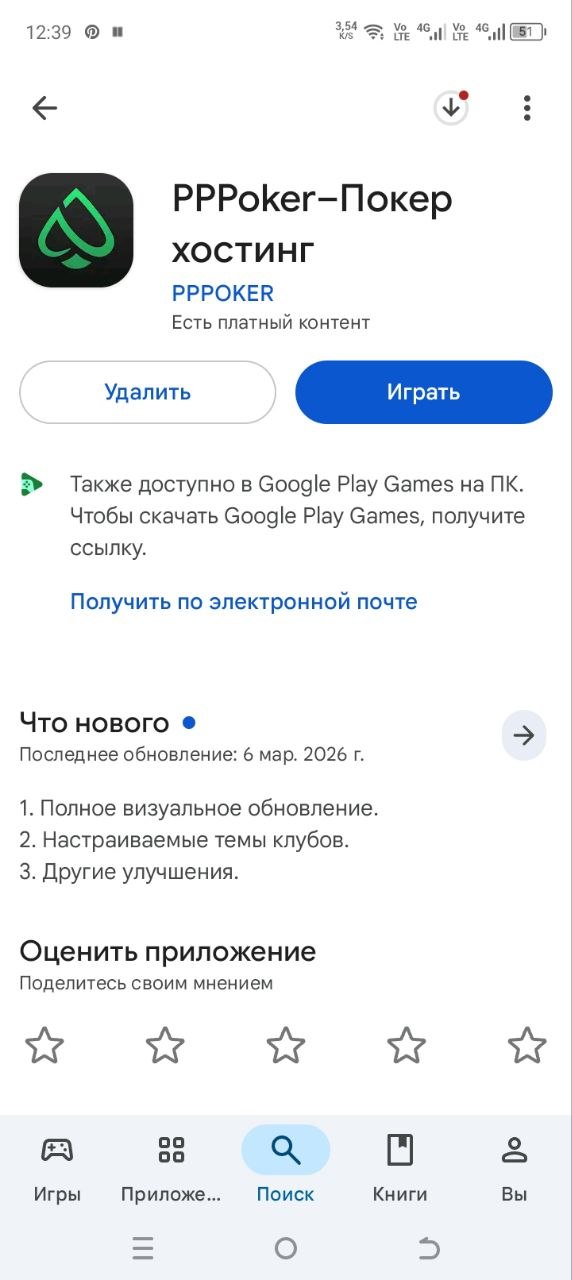
Android
Get PPPoker free on Google Play. Works on Android 5.0 and up, phones and tablets.
Google PlayPC
Play on a bigger screen with multi-tabling. Message our manager and we'll guide you through the desktop setup.
Ask the managerFrom install to your first hand
Downloading PPPoker is step one. Here's the full path to a seat at a verified club.
Install the app
Download PPPoker from the App Store, Google Play, or ask us for the PC version. Create your account in about a minute.
Message the admin
Tell us what you like to play. We'll send your Club ID, referral and rakeback deal on Telegram or WhatsApp.
Join the club
Enter the Club ID and referral in the app, send a join request, and you'll be approved in minutes.
Top up & play
Add chips through the admin and take your seat — with rakeback active from your very first hand.
Will it run on your device?
PPPoker is light and runs on almost anything. Here's what each platform needs.
iOS
- iOS 12.0 or later
- iPhone, iPad or iPod touch
- ~200 MB free space
- Stable internet connection
Android
- Android 5.0 or later
- Phone or tablet
- ~150 MB free space
- Stable internet connection
PC
- Windows 7+ or macOS
- 4 GB RAM recommended
- Multi-table friendly
- Setup help from our manager
Download FAQ
Is the PPPoker download free?
Do I need a Club ID to play after downloading?
How do I get PPPoker on PC?
Is the app safe to install?
Can I use the same account on phone and PC?
Downloaded the app? Let's get you a seat
Message our admin now for your Club ID, referral and up to 60% rakeback. One admin, every language, 24/7.
Get your Club IDInformational & affiliate resource only · 18+. PPPoker is a trademark of its respective owner; we are an independent affiliate resource and are not affiliated with, endorsed by or sponsored by PPPoker. Download links point to the official PPPoker distributions on the App Store and Google Play. We do not operate games, accept deposits or hold player funds. Please check your local laws and play responsibly.